
When creating your direct mail campaign, you can upload your own mail design, if this has been created in another design software. This should be saved as a PDF and can be uploaded by selecting the "Upload PDF Template" option and this will then be available to use in your campaign.
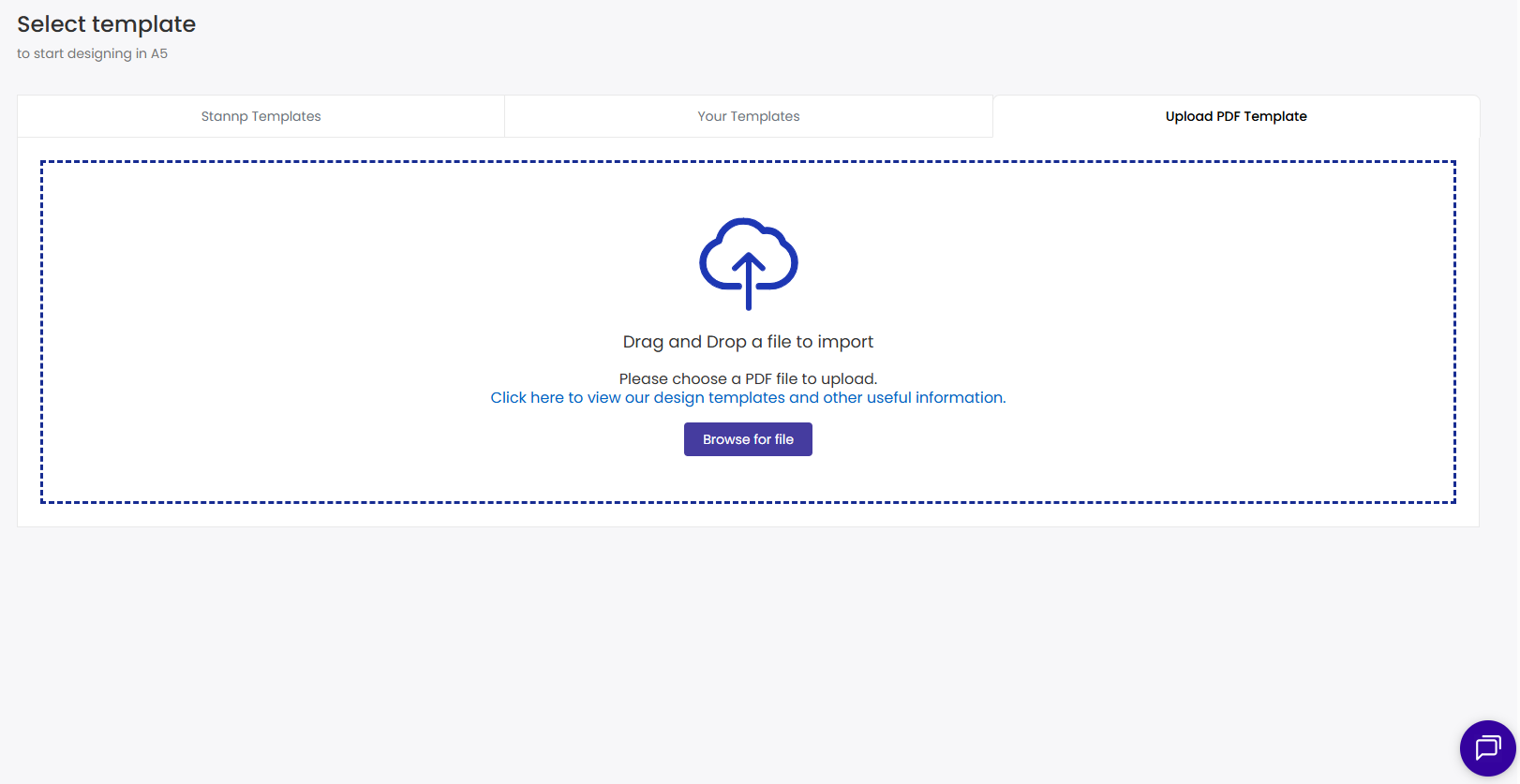
Once uploaded, you can then add more design elements, including text blocks, images, and QR codes, to refine the mail design for the specific campaign. Check out this knowledge base area on adding content to your mail design.
We recommend that files use CMYK colors compared to RGB with no transparency. RGB designs may be held in the quality checking stage and may cause your campaign delays.
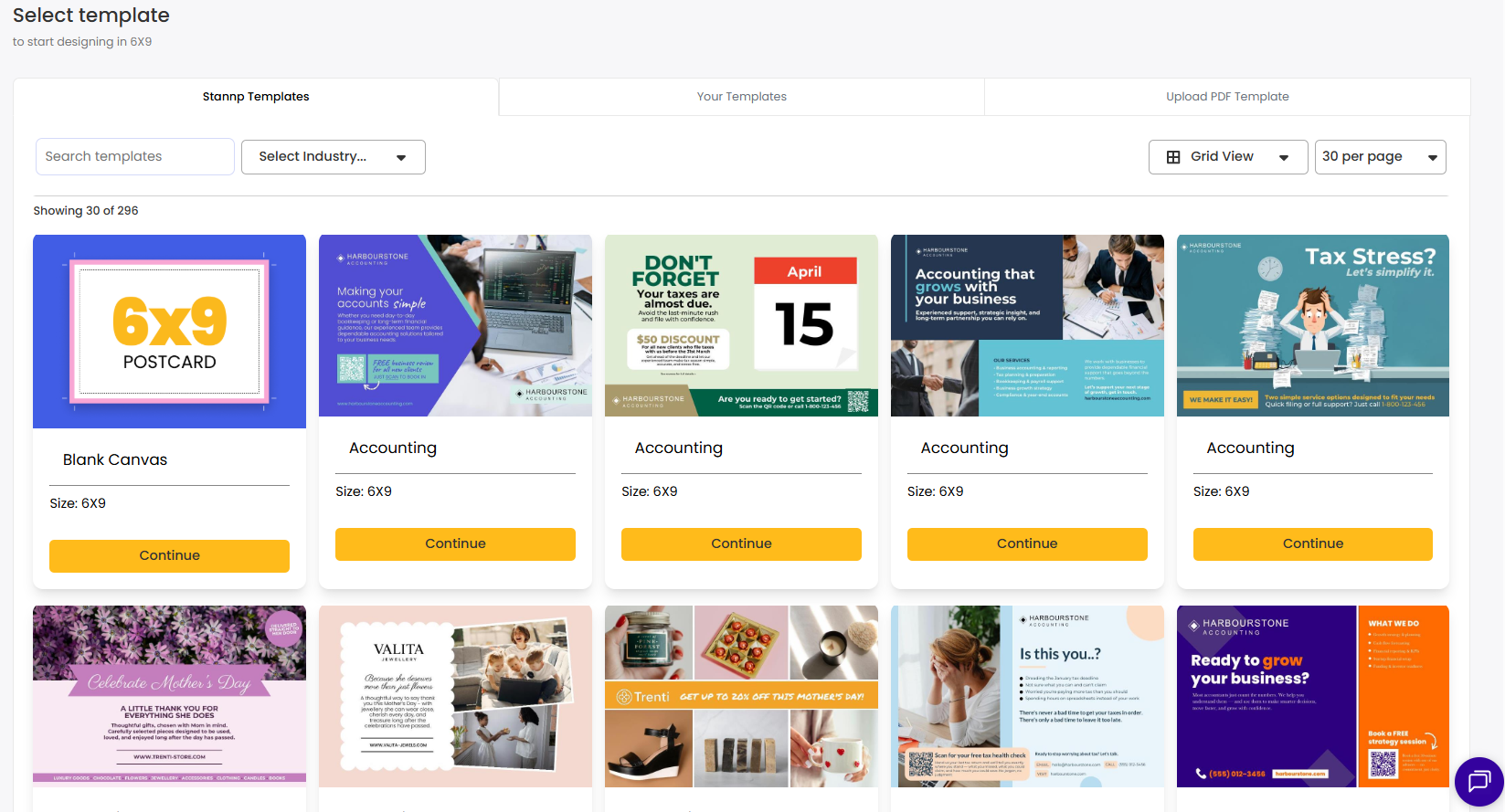
If you do not have your design made as a PDF you can use our integrated designer to plan your mail. Go to "Stannp Templates". You can then start with one of Stannp.com's fully editable templates or start with a blank template.
Check out this page on creating and using your own templates.
You can upload images as a background image. We recommend you upload an image that is the same size as your selected format so that the elements of your design stay in the correct place.
We suggest using JPG files whenever uploading images.
When uploading your mailing list we will always prefer that this is provided in a CSV format. Additionally, XLS or XLSX files are also usable. Please note that the data file requires headers in the first row and will not detect data from multiple tabs. It's best to split the tabs out into multiple files before uploading.
The most common cause of an error while uploading data is if there is any sort of encryption or data protection built into your document.