
Schedule your direct mail campaign
Once you have designed your mail and added your recipients, you can schedule and book your campaign.
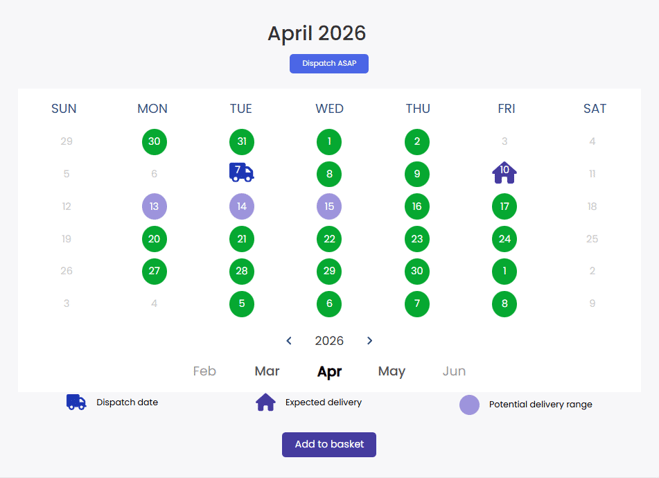
As you select your preferred dispatch date, the calendar will adjust to display the correlating 'Expected delivery' date and the 'Potential delivery range' for your region and the selected postage class.
Can I select a specific delivery date?
We do not offer a guaranteed or special delivery service but you can adjust your dispatch date until you're it highlights your desired expected delivery date.
Sending internationally or to multiple regions?
If your data contains multiple global regions then the expected delivery and range will display according to the region with the longest range. All of the expected delivery ranges will be displayed on the left of the scheduling screen according to your recipient data and postage.
Who sets the delivery timeframes?
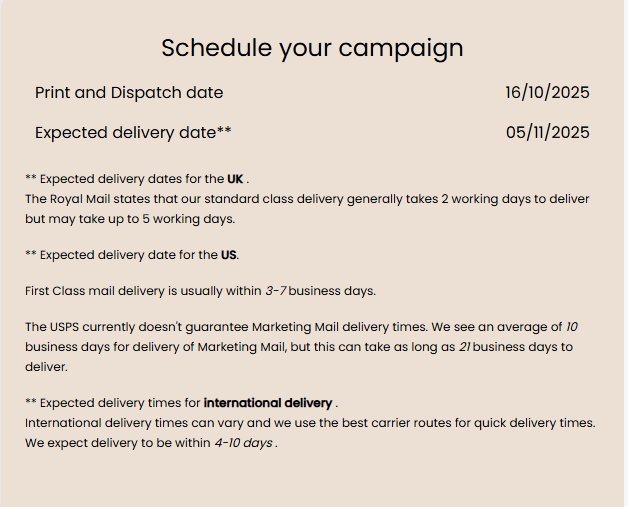
Delivery timeframes are set by the postal services in each country (USPS, Royal Mail, Canada Post, etc.) and adjust for the different postage classes. Timeframes may be set more formally with service standards or informally with other guidance.
Stannp.com can only advise of delivery timeframes based on this information. Once direct mail leaves Stannp.com production facilities, we rely on postal providers to deliver mail in line with this guidance.
Delivery timeframes can deviate (both faster and slower), after leaving Stannp.com production, due to various reasons including, but not limited to:
- Supply chain proximity, after leaving Stannp.com production, between USPS processing locations, local sorting offices, and distance to the delivery addresses. A single campaign to multiple regions, states, provinces, or coasts, could deliver on various days throughout the given timeframes.
- Weekend mail delivery (more common in the populous areas/ cities). Sunday delivery is uncommon but can happen around peak times when mail volume is especially high.
- USPS capacity being available with free space on delivery vans, resulting in standard class mail being transported with first class.
In very unique and rare cases, we have seen standard mail arrive more in line with first class timeframes.
Sending with the Virtual Printer
When sending mail with our Virtual Printer, you can select from the postage options if available in your region.
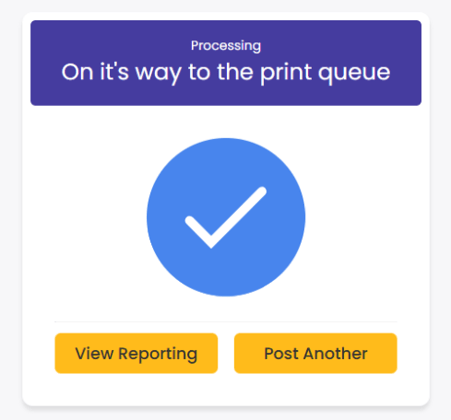
Once you send the Virtual Printer job, by clicking 'Print and Post' and paying for this, it will immediately enter the print queue. You cannot select a date so be aware that it will be printed and sent out soon after booking this.
API
For API single items you cannot set a scheduling date. If an API request is made to send a single letter or postcard, that piece of mail will be sent at the soonest possible availably slot.