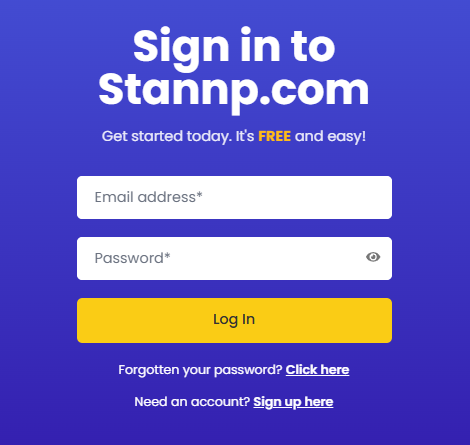
If you can't login, you can reset or change your password from the login screen.
Use the 'Click here' button next to 'Forgotten your password?' as shown below.
Follow the steps to enter your email address, and click the link in the email we send you.
Only the users email address can be used to reset a password. The forgotten password email cannot be sent to an alternative email address.
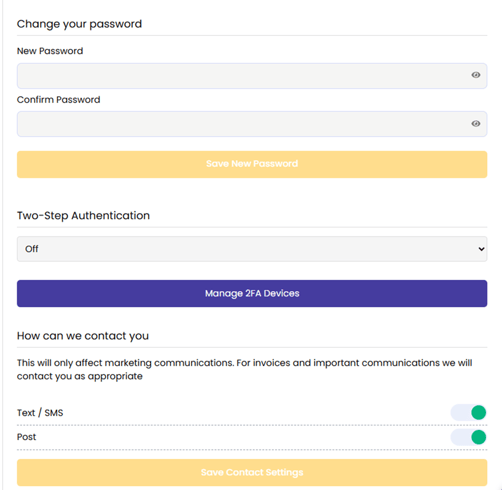
If you are logged in and want to change your password, perhaps to maintain a high level of security, you can do this in your settings.
In "My Settings", enter and confirm the new password and click 'Save New Password'
You can also setup two-factor authentication here, which re recommend for added security.